
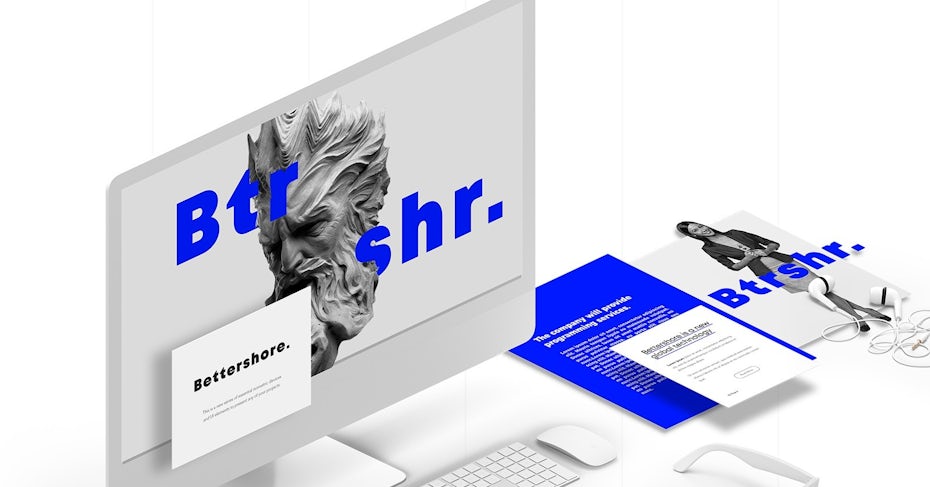
 To engage users into your interface, you should follow the most recent design trends.
Author: Creator (page 1 of 8)
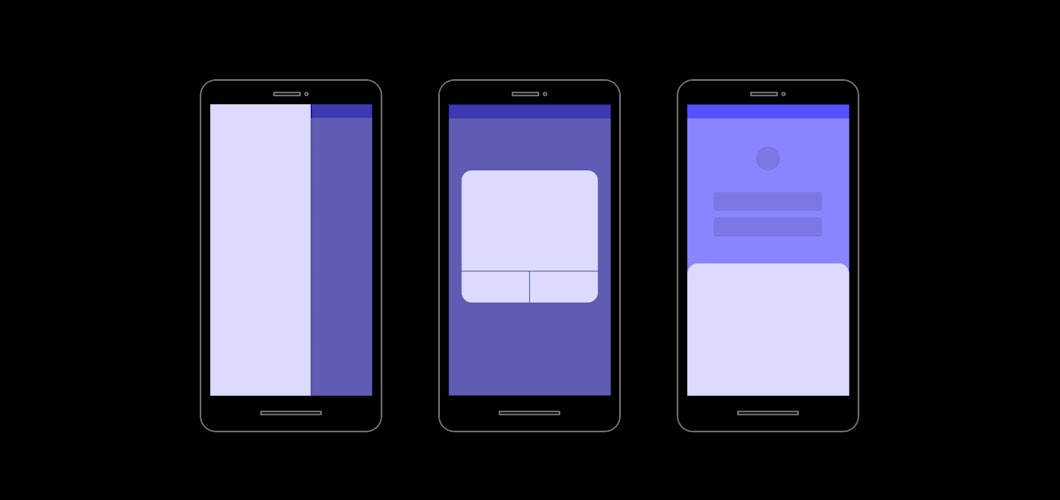
The process of creating prototypes is often time consuming and downright painful. Especially, when designers want to show content on top of other content to mimic elements like sidebars, modals and popovers.
Figma allows to design interfaces, prototype, and gather feedback all in one. With Figma new Overlays feature you can now show content flexibly on top of other content, interact with it and even open multiple overlays.
This post is about how Overlays in Figma works.
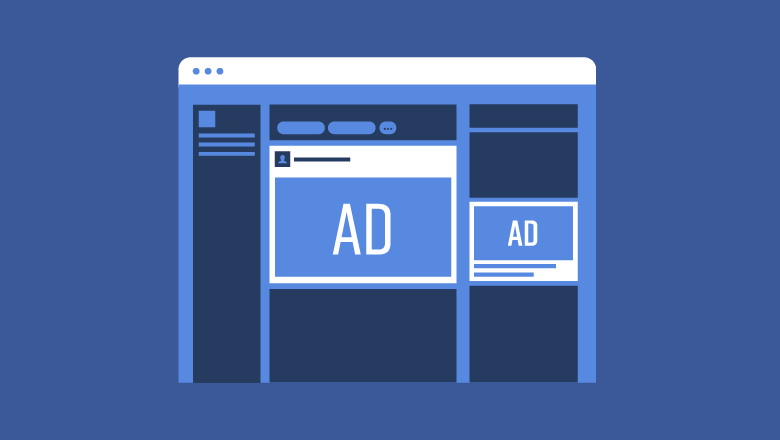
When it comes to creating the perfect Facebook Ads for your business, what factors should you consider?
Here are some Facebook advertising tips to help you get the most bang for your buck in 2019. You can get more clicks, more targeted customers, and more sales.
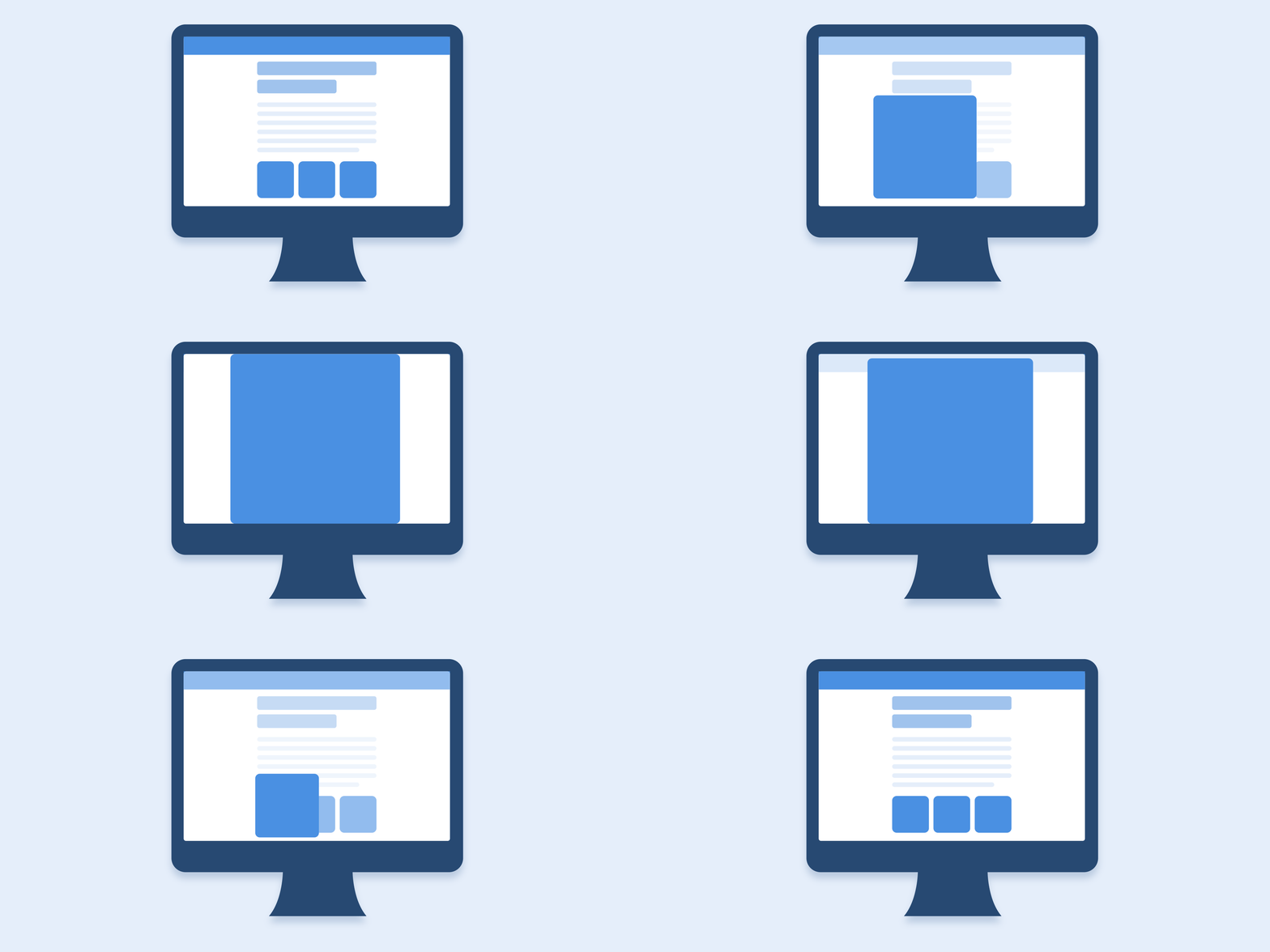
An interface animation shows interactions between screens, explains how to use the application or simply directs a user’s attention.
In this article some basic principles & rules will be collected in one place.
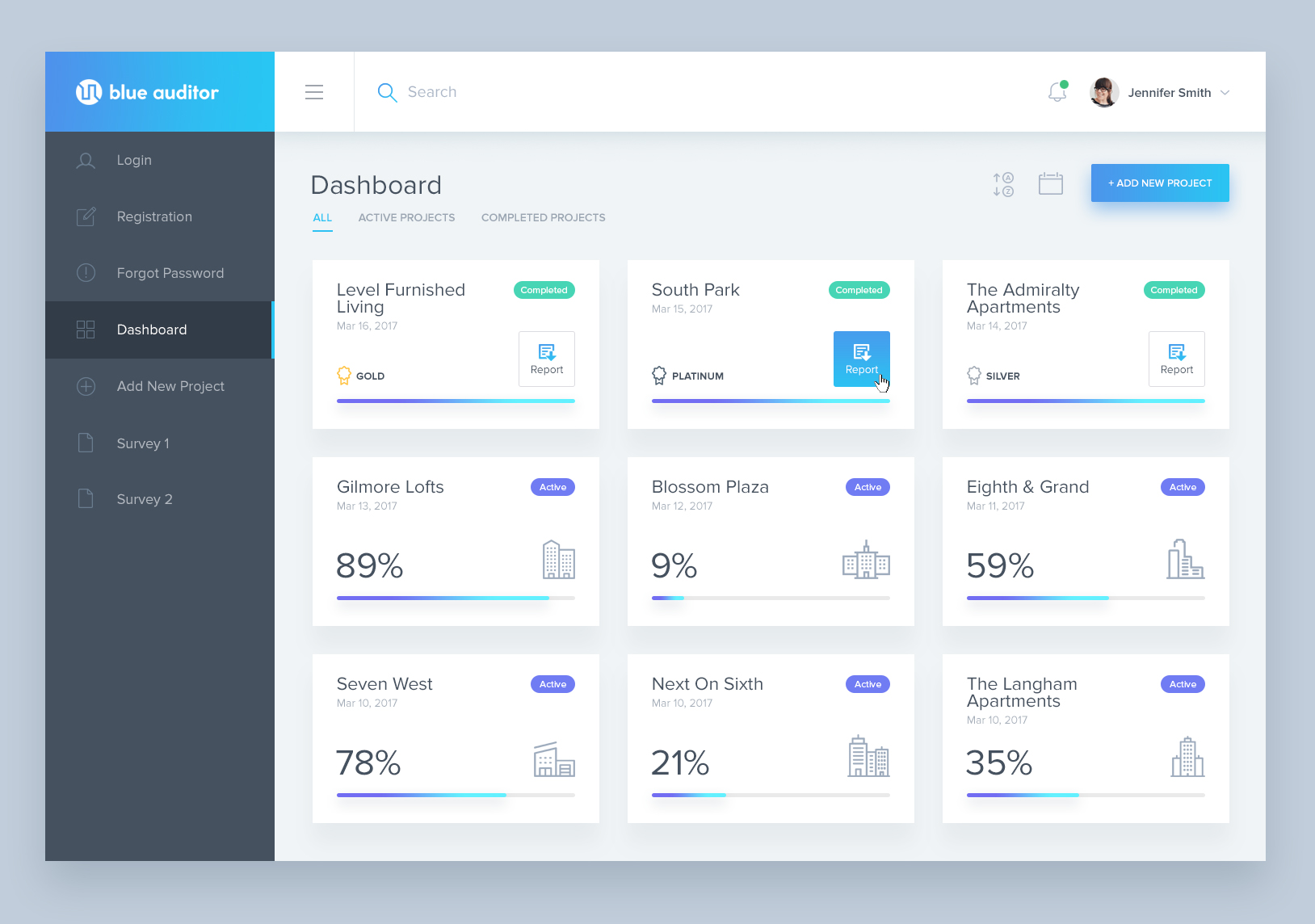
UX, or user experience, is all about how users experience the use of an application or website, while UI, or user interface, is the presentation of information or look and feel of an application.
User experience designers focus on enhancing the customer interactions and experience as a whole, while UI developers translate product design and content into a responsive and interactive interface.
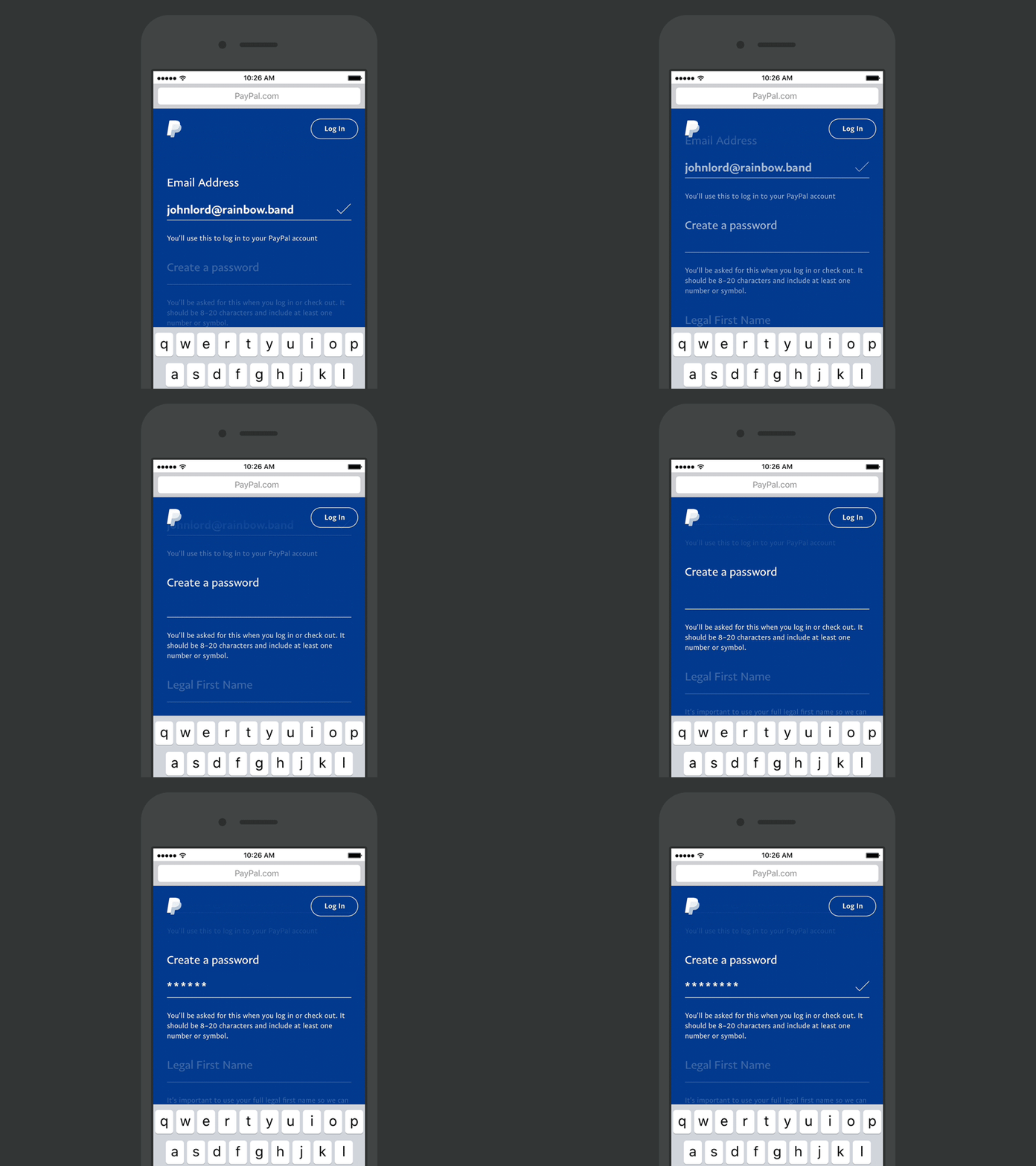
Every day, people use online forms for basic life activities such as bookings or rent. That is why it is our goal as UI/UX and web design specialists to the process as easy as possible. Users should be able to complete them quickly and without confusion.
Meet Figma 3.0, that will save you time because you won’t need to constantly switch across apps. And it will save you money because you can remove redundant tools from your workflow.

The difference between UI and UX is that UX, or user experience, is all about how users experience the use of an application or website, while UI, or user interface, is the presentation of information or look and feel of the product.
User experience designers focus on enhancing the customer interactions and experience as a whole, while UI developers translate product design and content into a responsive and interactive interface.
I’m any good at designing UI now, it’s because I’ve analyzed stuff — not because I came out the chute with an intuitive understanding of beauty and balance.
Erik D. Kennedy, Independent UX/UI Designer.
The Rules
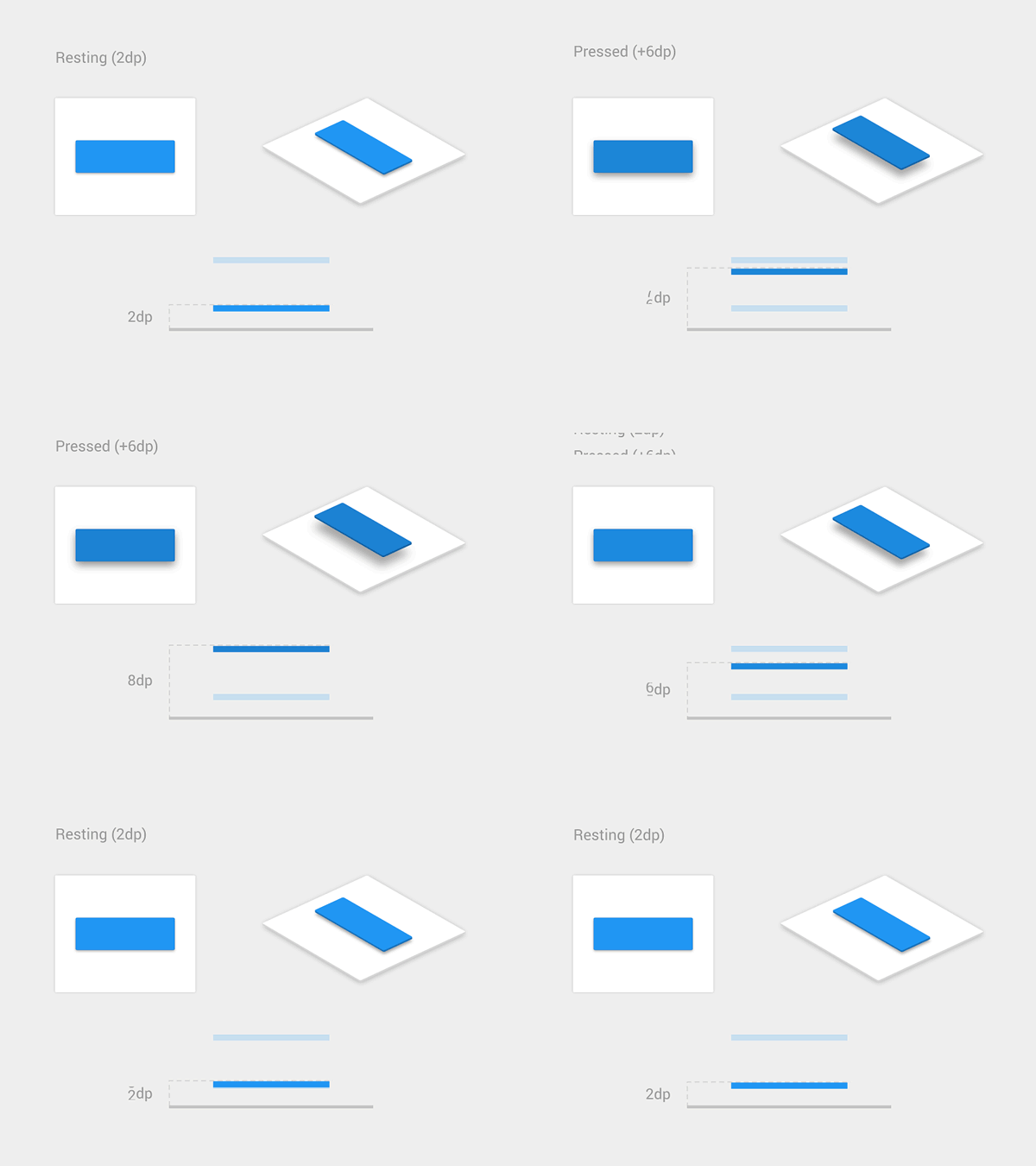
Here they are for the first part of our topic:
- Light comes from the sky
- Black and white first
- Double your whitespace